
Why is this useful when you need an invoice fast?
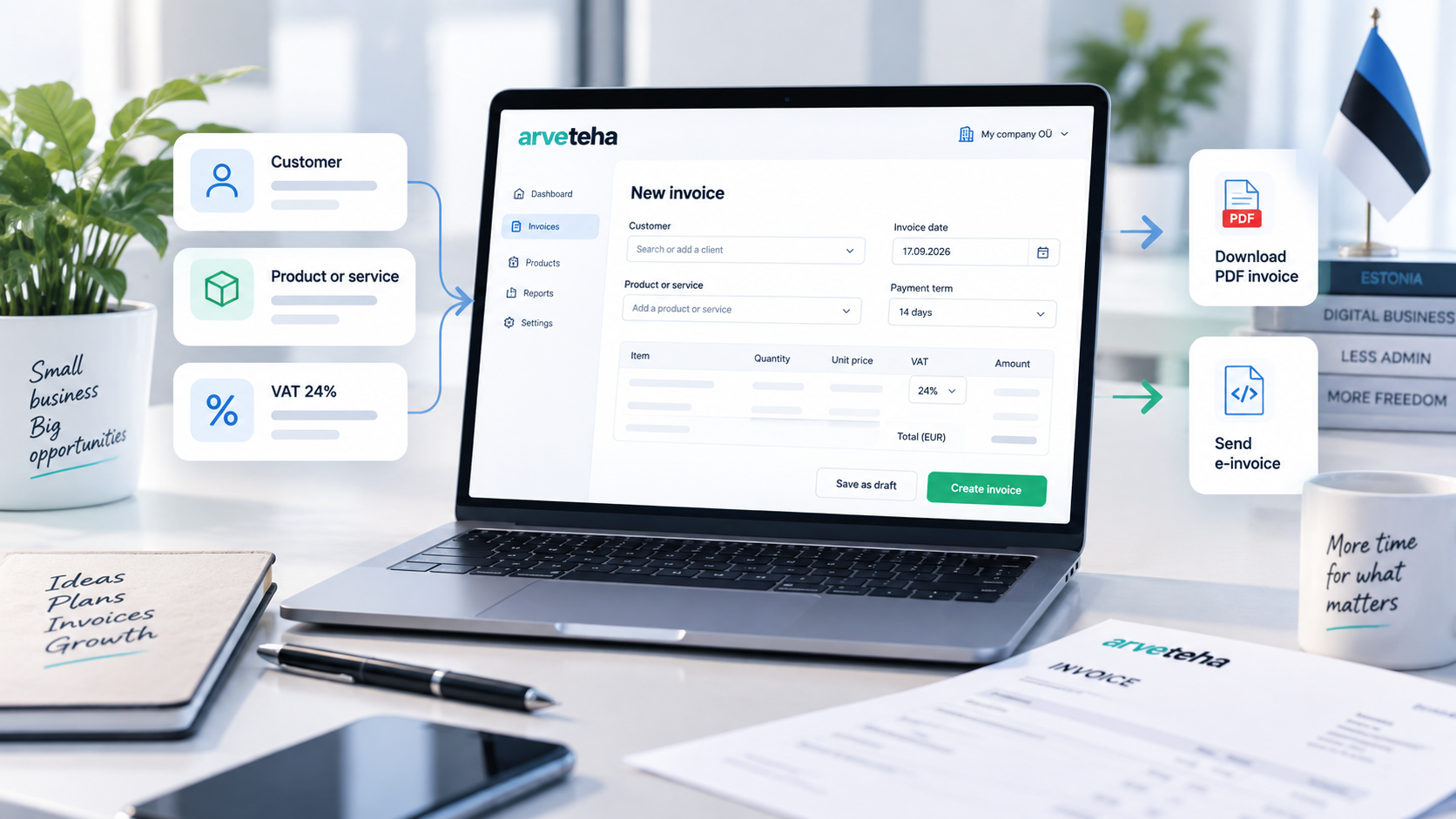
If the goal is simple — create a client invoice quickly — there is no reason to spend time formatting a document manually. In Arveteha, you open the invoice form in your browser, fill in the details, add the invoice lines and save the finished document.
This is useful both for businesses that issue only a few invoices per month and for teams that repeatedly work with the same clients, services or products.
What fields can you fill in?
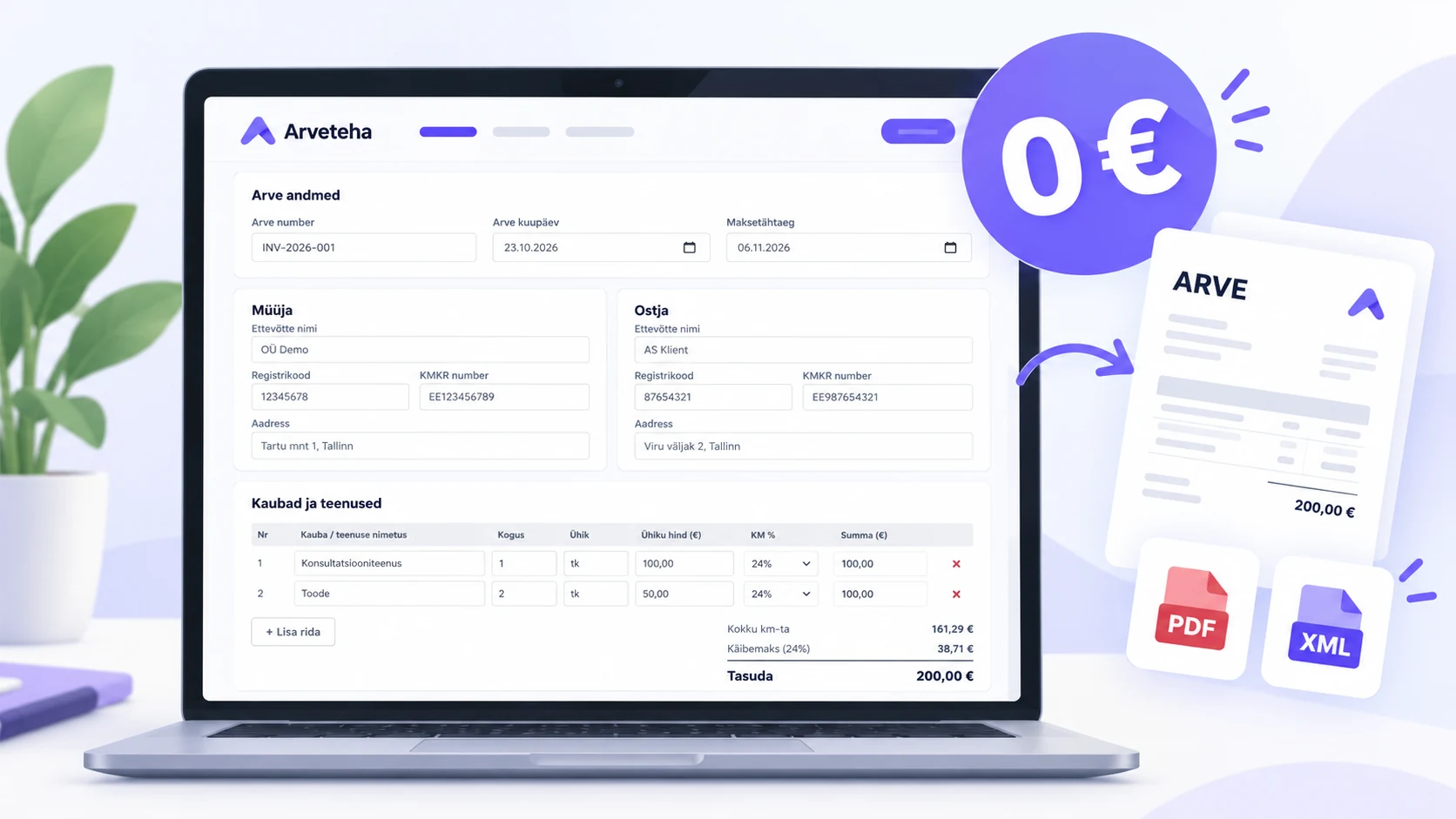
The top part of the invoice form contains the core document details and the client information. The screenshot below shows the most important fields users typically need when preparing an invoice.
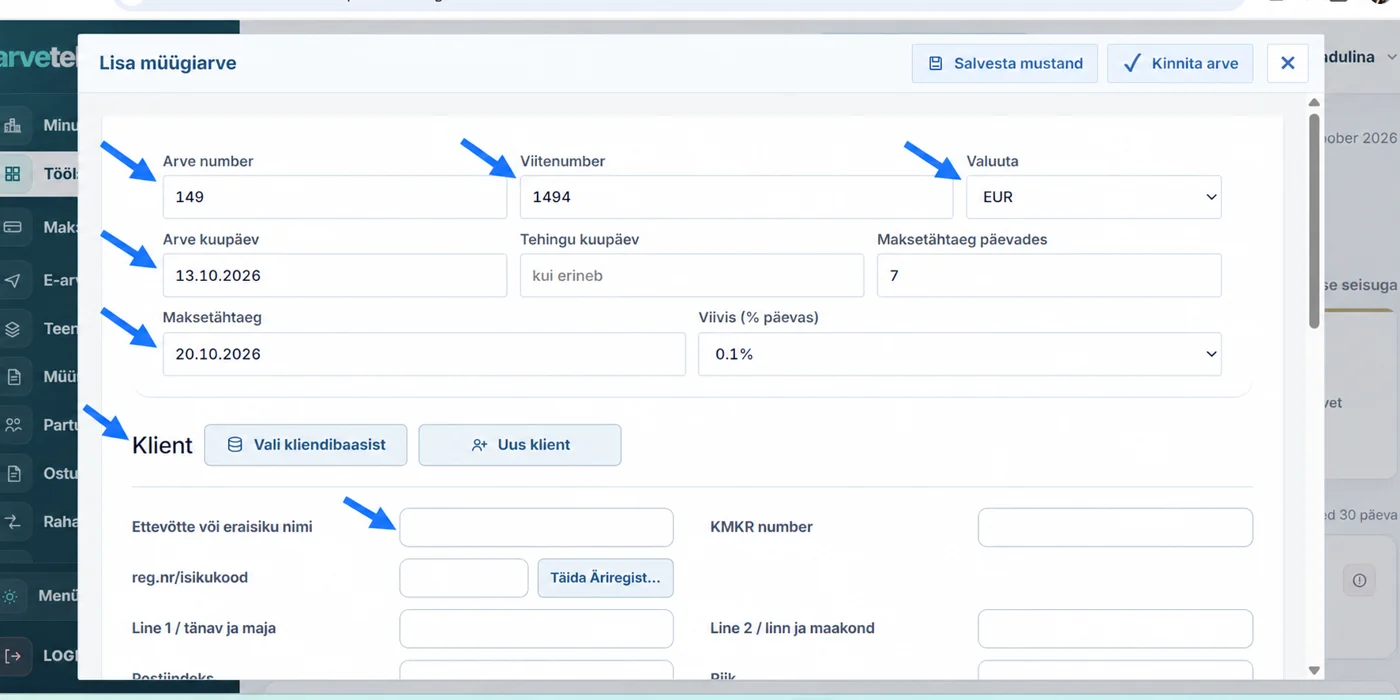
- invoice number and reference number;
- invoice date, transaction date, payment term in days and final due date;
- invoice currency;
- late payment interest;
- selecting a client from the database or creating a new one;
- company name or private customer name;
- registry code / personal code;
- VAT number when available;
- client address details.
For a new client, the card can be filled in manually. For Estonian companies, part of the data can be prefilled from the registry to reduce repeated manual entry.
Products, services, totals and VAT
Further down the form you add products or services. This is also where the system calculates the amount due and applies the VAT logic per line.
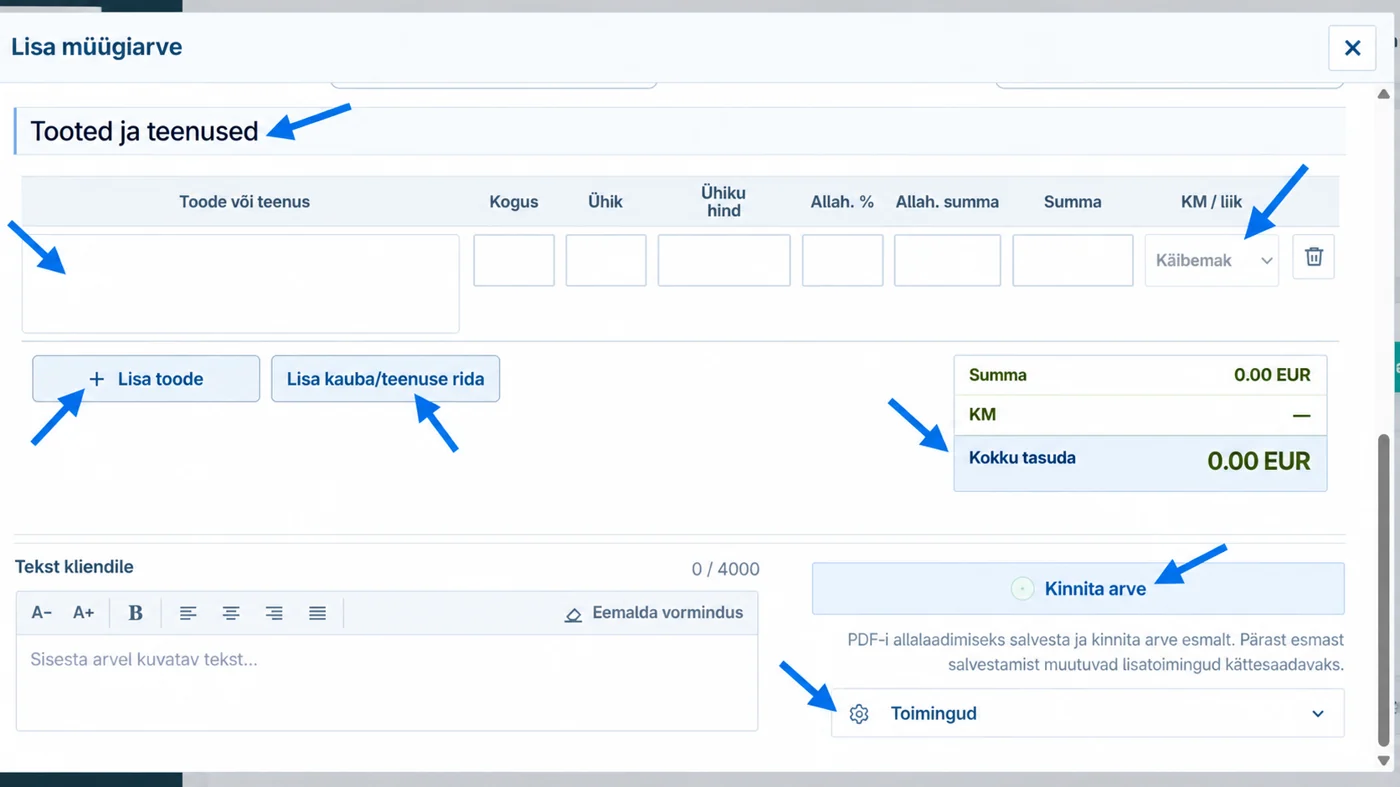
- item or service description;
- quantity and unit;
- unit price;
- discount in percent or amount;
- VAT / tax logic selection for each line;
- subtotal, VAT and final amount due;
- text for the client;
- saving a draft, confirming the invoice and follow-up actions.
This layout is practical because the user sees the whole invoice in one place: client details, invoice lines, totals and the next available actions.
Five invoice templates
Arveteha includes five invoice templates: Standard, Classic, Clean, Compact and Accent. The template choice is not just decorative — it helps you use a document style that fits your company and the type of invoice you send.
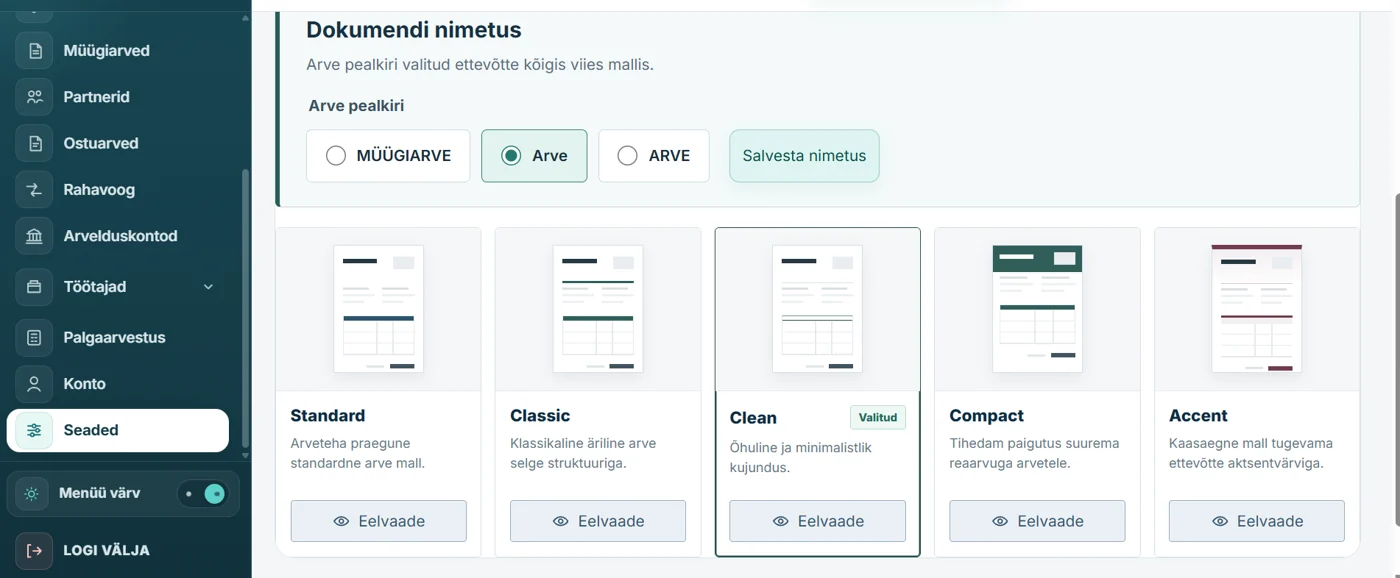
Default business option
A practical all-purpose template for everyday invoicing.
General business invoiceClear and restrained
Good if you prefer a more classic or more minimal layout.
Service or work invoiceDense or more visible
Compact helps when there are many lines. Accent gives the invoice more visual emphasis.
Longer invoice with multiple rowsThe same screen also allows you to choose the document title, for example “Arve”, “ARVE” or “MÜÜGIARVE” in the Estonian interface.
What else does the module do?
The invoice generator in Arveteha is not just a blank form. It is part of the wider workspace, where you can move directly between creating a new sales invoice, adjusting template settings and using related financial sections.
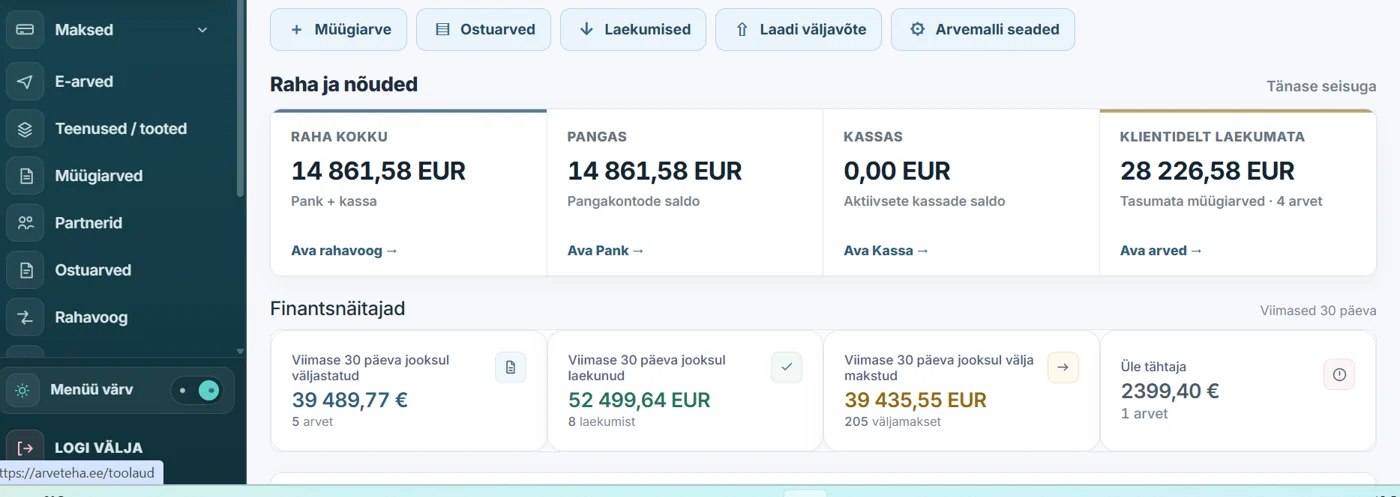
- creating and storing sales invoices;
- using a client database;
- working with products and services;
- downloading the invoice after saving;
- reusing previously created documents;
- choosing an invoice template;
- working with different currencies;
- keeping invoices inside one connected web workspace.
PDF, XML and e-invoices
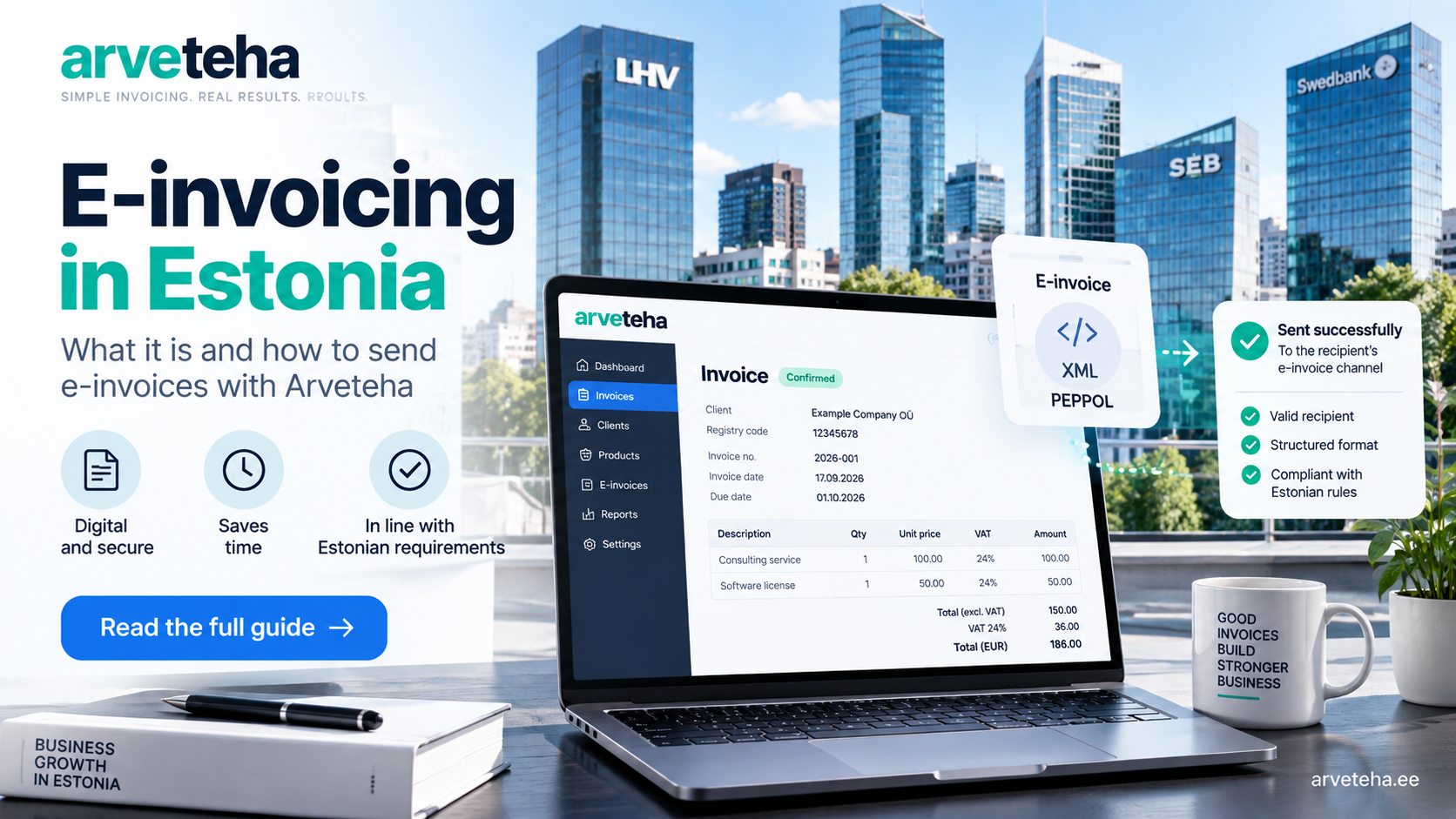
For many businesses, the normal workflow is simply to create the invoice, save it and send it to the customer as a PDF. But it is important to understand the difference between a standard document and a real e-invoice.
Standard free workflow
The invoice is created in Arveteha and saved as a document file. This fits normal customer delivery.
Business StarterDirect structured data delivery
If the receiver accepts e-invoices, Arveteha can also send them directly when Business PRO is active.
Business PROSo if people search for an “invoice generator”, Arveteha covers the fast simple invoice use case — and also the next step when you need proper e-invoicing.
Who is it for?
- entrepreneurs who want to create invoices without Word or Excel;
- small businesses selling services or goods;
- companies that want clients and invoice lines stored in one place;
- businesses that want to start free and add e-invoicing later.
That makes it a good option not only for a one-off invoice, but also for practical everyday invoicing work.
Summary
If you need a quick and simple way to create a client invoice, Arveteha works as a practical invoice tool. The free package gives you the invoice module, five template options, work with clients, products and services, and a finished document you can save and send.
And if you later need not only PDF, but also direct e-invoice sending, that can be added with Business PRO.
Frequently asked questions
Can I use it for free if I only have a few clients?
Yes. Business Starter also fits occasional use, for example when you issue only a few invoices per month.
Which templates are available?
Five options: Standard, Classic, Clean, Compact and Accent.
Can I choose the invoice currency?
Yes. The invoice form includes a separate currency field.
Is e-invoice sending included in the free package?
The free package covers the normal invoice creation workflow. Direct e-invoice sending belongs to Business PRO.
Do I need to download software?
No. Arveteha works in the browser.
Official sources
Feature and package descriptions are based on public Arveteha pages and the provided interface screenshots, verified on 13.10.2026.
Leave a comment
Comments 0